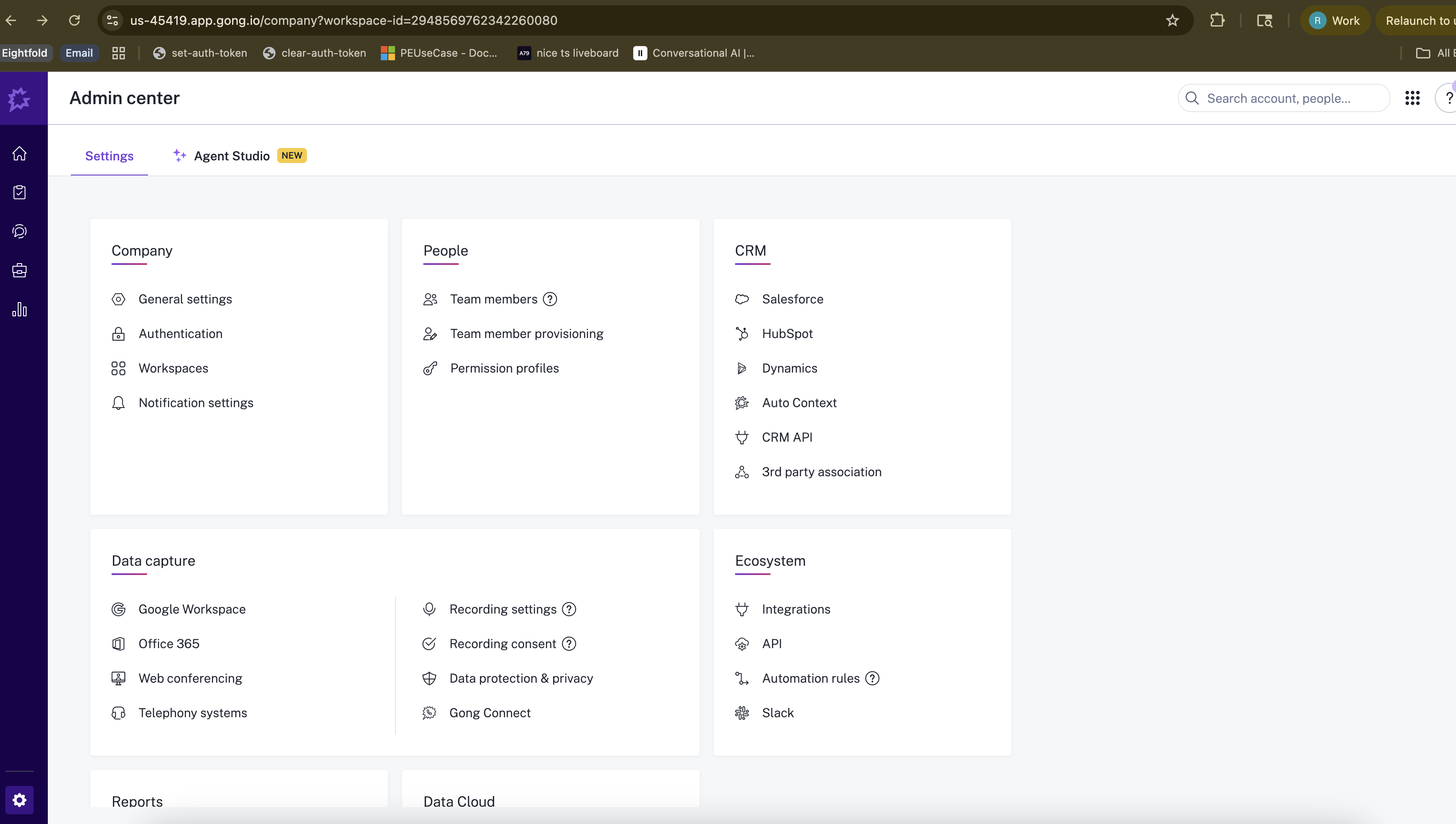
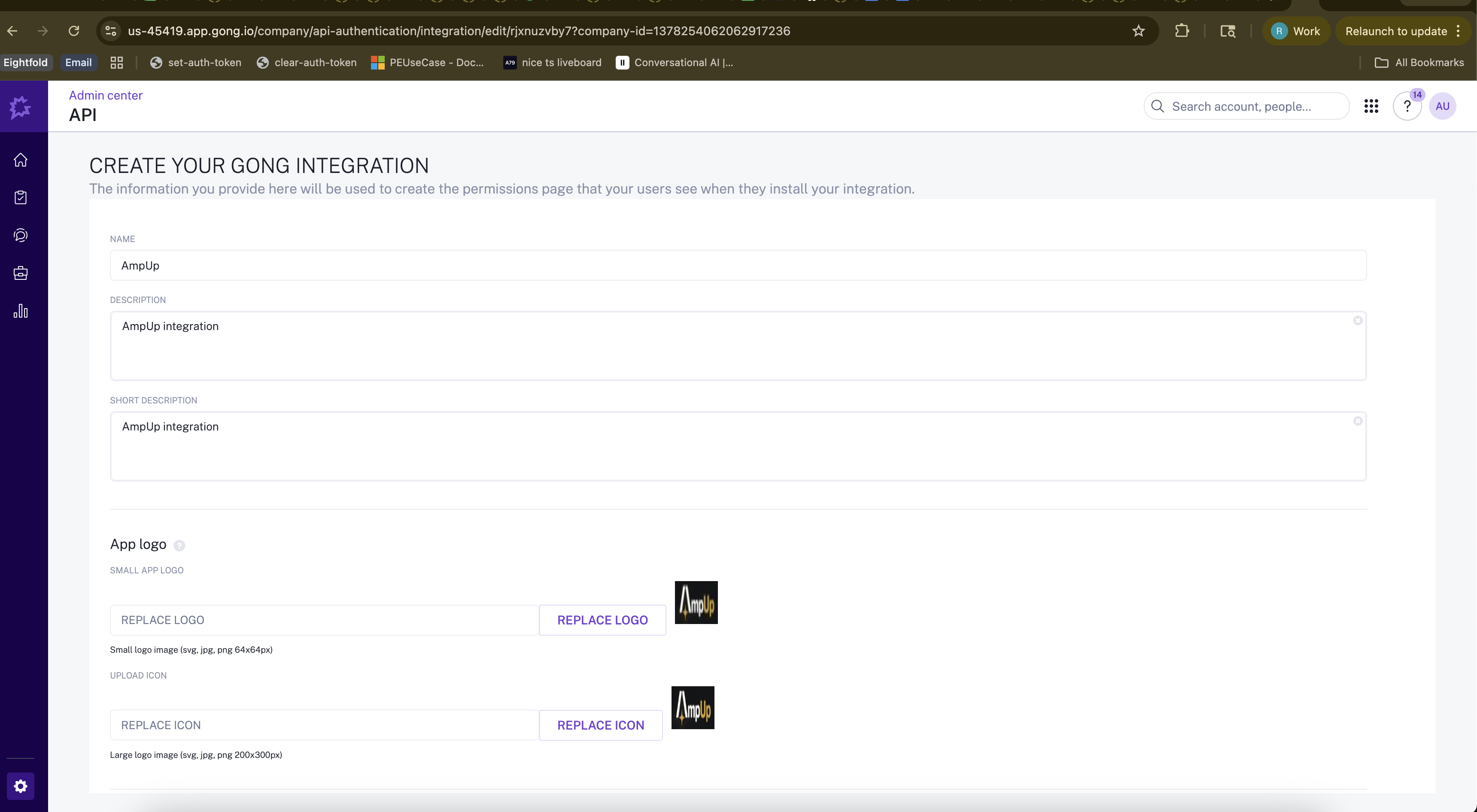
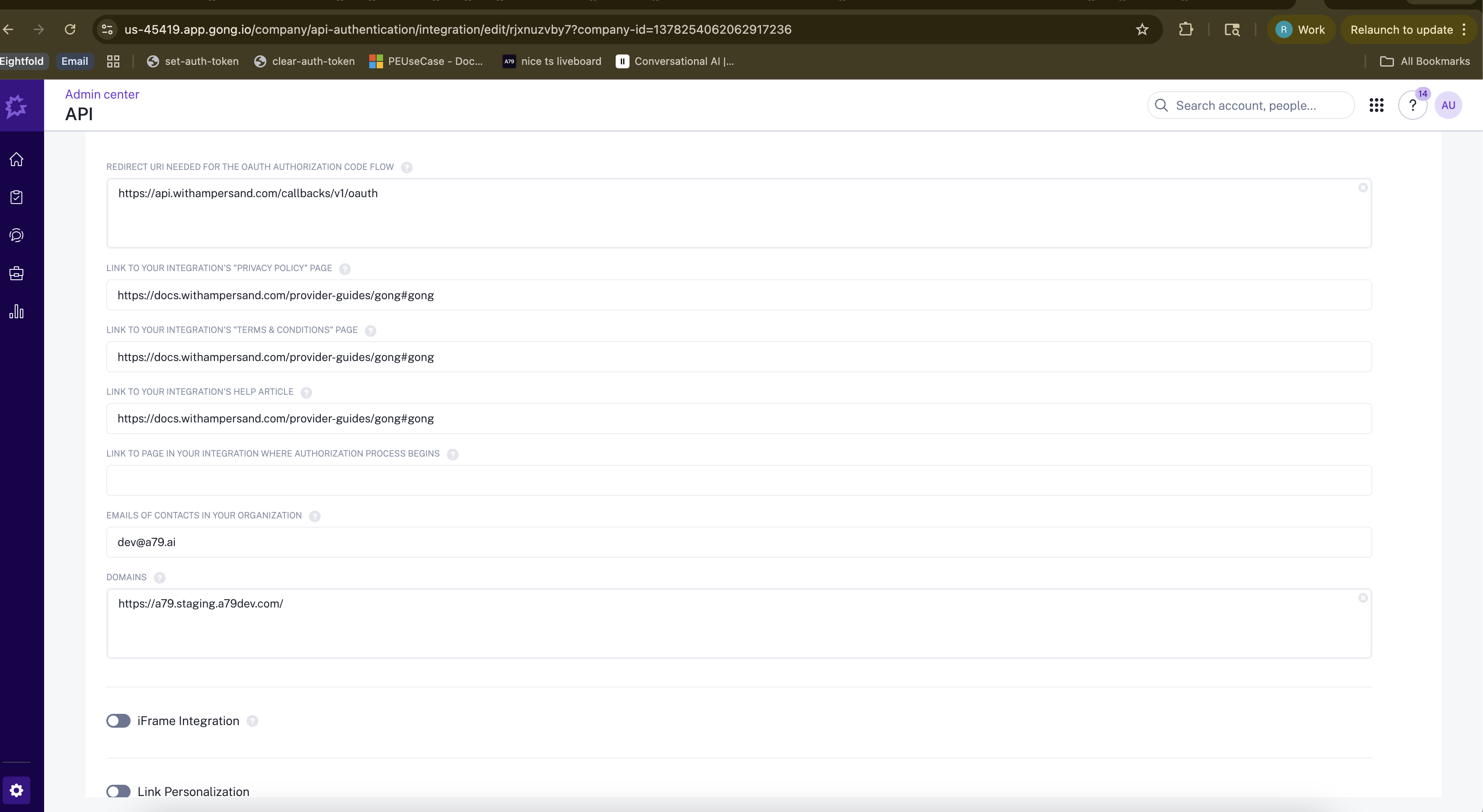
Connect Gong to analyze your sales calls with AmpUp
Connect Gong to AmpUp to import your call recordings and transcripts. AmpUp’s AI agents will analyze your sales conversations to provide personalized coaching, identify winning behaviors, and help every rep perform like your best.
These credentials are required to establish a secure link between Gong and AmpUp. Once connected, your data will be encrypted in transit and at rest, and synced periodically to keep AmpUp up to date with your latest calls and transcripts.
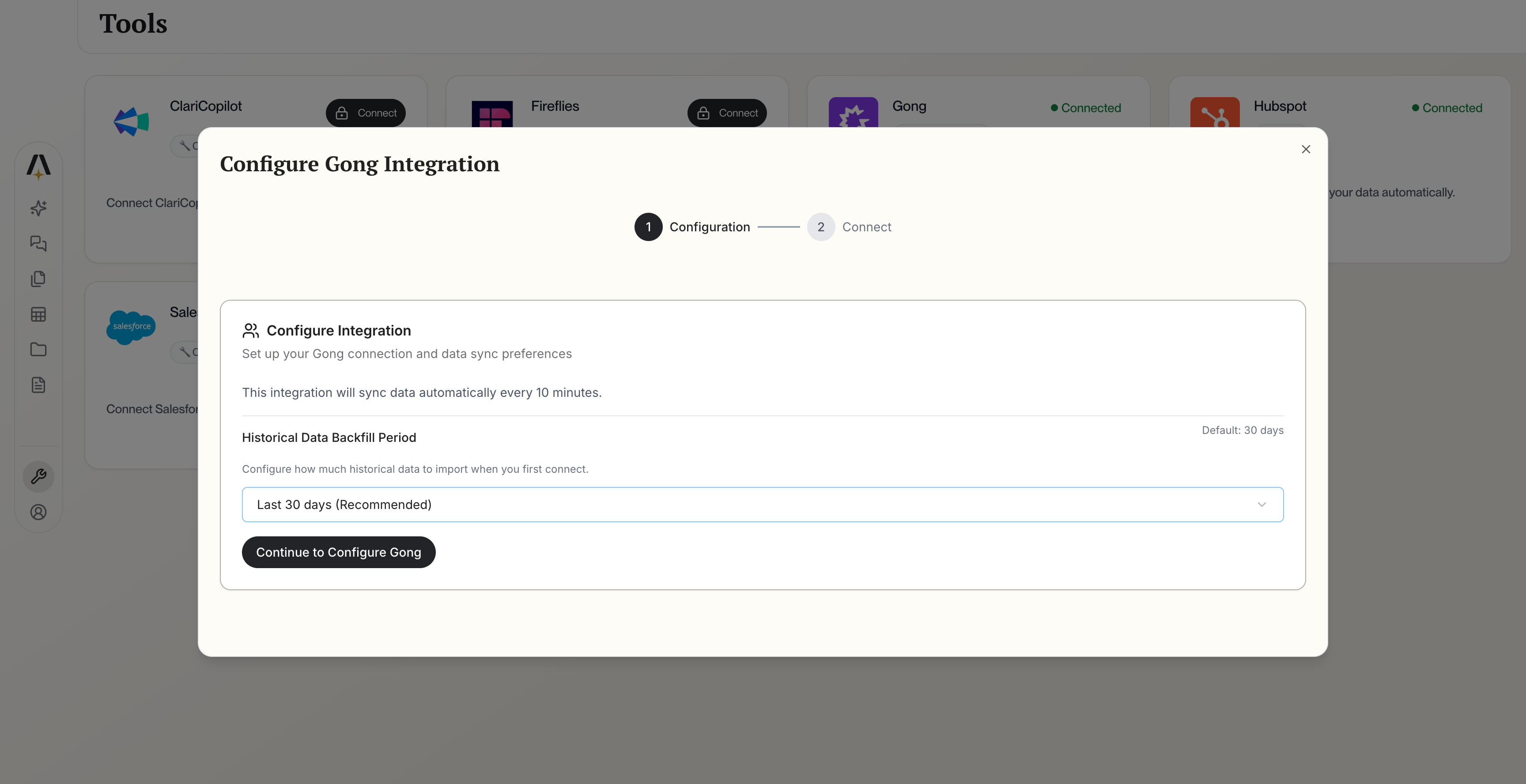
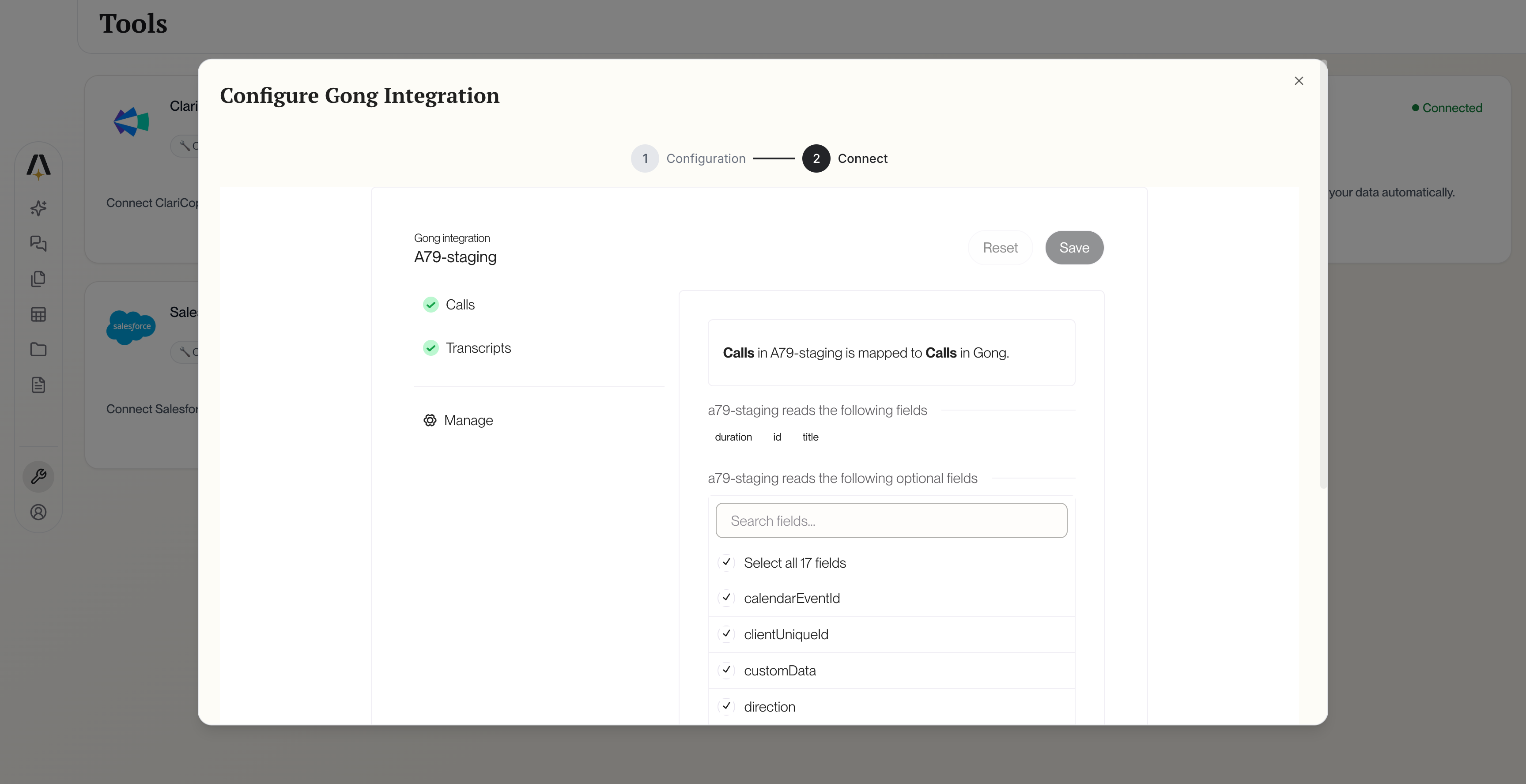
Click the Connect Gong button. AmpUp will prompt you to enter the Client ID and Client Secret from the Gong app you created above. AmpUp securely stores these credentials and uses them to establish the OAuth connection.
Gong Configuration
3
Authorize with Gong
After entering your credentials, you’ll be redirected to Gong. Sign in with your admin credentials and authorize AmpUp.
4
Authorize AmpUp
Review the permissions and click Authorize to grant access.AmpUp requests the following permissions:
Read calls and recordings
Read transcripts
Read users and teams
Read CRM associations
5
Select Teams (Optional)
Choose which teams’ calls to import. By default, all teams are included.
6
Initial Import
AmpUp will begin importing your Gong calls. This typically takes 2-6 hours depending on call volume.
No. AmpUp complements Gong by adding a personalized coaching layer. Continue using Gong for call recording and basic insights. AmpUp adds AI-powered 1:1 coaching.
Can I connect multiple Gong instances?
Enterprise plans support multiple Gong instances. Contact support@ampup.ai for setup.
How quickly do new calls appear?
New calls typically appear in AmpUp within 15-30 minutes of being processed by Gong.
Is my call data secure?
Yes. All data is encrypted in transit and at rest. AmpUp is SOC 2 Type 2 certified. We never share your data with third parties.