Connect Microsoft Teams to sync your meetings with AmpUp
Connect your Outlook account to AmpUp to automatically pull in your Teams meetings, recordings, and transcripts. AmpUp uses this data to provide context-aware coaching based on your actual meetings.
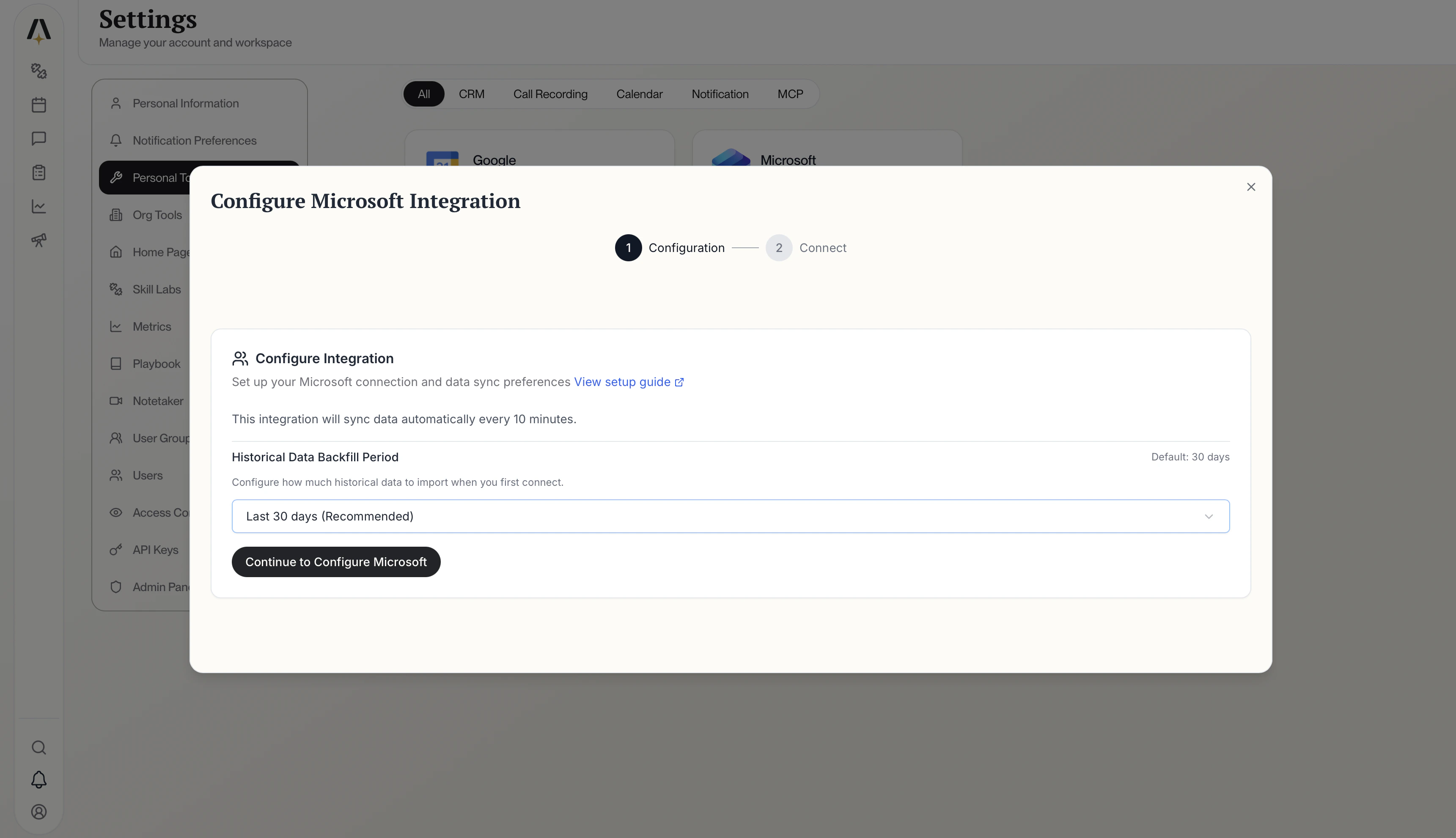
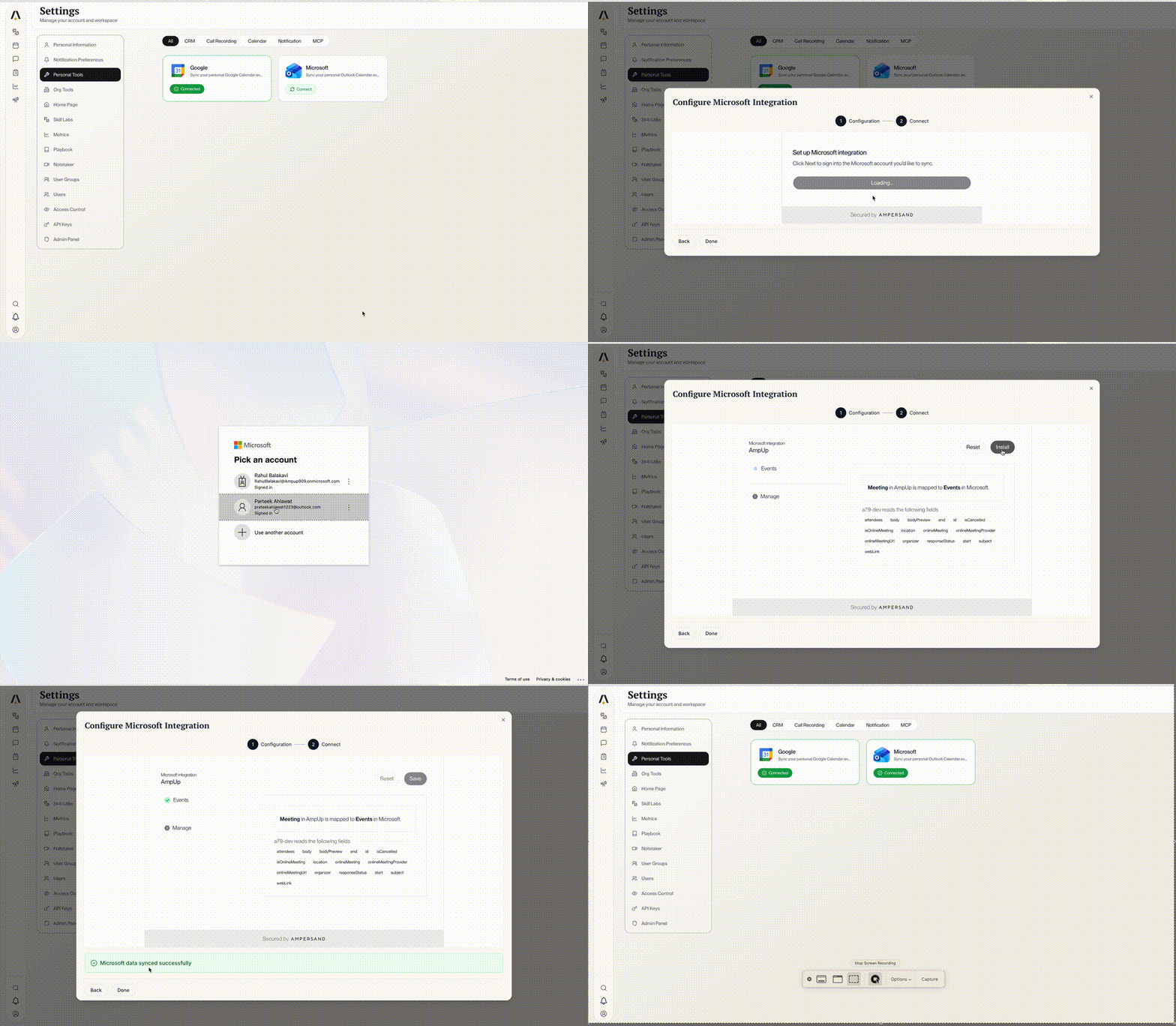
Go to the Microsoft Teams tile on the AmpUp Tools page and click Install Integration.
Install Microsoft Teams Integration
2
Authorize with Microsoft
Click Connect your Microsoft account. You’ll be redirected to Microsoft’s sign-in page.Sign in with your Outlook account and click Allow to grant AmpUp access to your meetings.
Once authorized, AmpUp will start fetching your meetings automatically.